Windows 11 Pro has quickly become one of the most reliable and feature-rich operating systems for businesses, professionals, and power users who need advanced tools beyond what general consumers use. Built with performance, security, and productivity in mind, it provides an enhanced work environment capable of handling demanding workloads, complex workflows, and modern digital requirements. Whether you run a small business, work in IT, manage corporate systems, or simply want more control over your computer, Windows 11 Pro offers capabilities that make daily operations smoother, safer, and more efficient.
A Brief History of Windows 11 Pro and Its Development
The development of Windows 11 Pro began long before its release, building on the foundations of Windows 10 and earlier Microsoft systems. Microsoft aimed to create a modern operating system optimized for hybrid work, advanced security threats, and cloud-integrated workflows. With the shift toward remote and flexible work environments, Windows 11 Pro introduced improvements to performance, memory management, virtual desktops, remote access, and user interface. These updates reflect decades of operating system evolution, combining familiar Windows features with new capabilities designed for today’s business needs.
Key Features That Make Windows 11 Pro Different from Home Edition
One of the biggest advantages of Windows 11 Pro is its set of business-exclusive features not available in the Home edition. It includes Remote Desktop, allowing users to access their PC from anywhere. BitLocker encryption protects sensitive data by securing entire drives. Group Policy Management gives IT administrators full control over user settings, permissions, and device behavior. The Pro version also includes Hyper-V virtualization, allowing users to run virtual machines directly on their system. These advanced features make Windows 11 Pro ideal for professionals who need flexibility, security, and powerful management tools.
System Requirements and Hardware Compatibility
Running Windows 11 Pro requires specific hardware capabilities to ensure speed, stability, and security. Systems must support TPM 2.0, Secure Boot, and modern processors. While these requirements sparked debate upon release, they play a major role in strengthening device protection and improving performance. Windows 11 Pro is designed to take advantage of SSD storage, multicore processors, and high-resolution displays. Compatibility also extends to a wide range of peripherals, business hardware, and enterprise tools. Ensuring your system meets these requirements guarantees a smooth and optimized experience.
Also Read This:- AIOTechnical.com Computer: Your Gateway to Expert Computing Knowledge
Performance Enhancements and Speed Improvements
Performance is a strong focus of Windows 11 Pro. Users benefit from improved memory allocation, faster boot times, and efficient background processing. Apps open quickly, multitasking becomes smoother, and systems remain stable even under heavy workloads. Windows 11 Pro also introduces Snap Layouts and virtual desktops, enabling professionals to organize their tasks with ease. The redesigned interface contributes to a distraction-free environment, while new scheduling and resource management techniques help maximize hardware power. These enhancements allow businesses to work faster and more efficiently.
Security Features and Professional-Grade Protection
Security is where Windows 11 Pro truly excels. Microsoft incorporated multiple layers of protection to safeguard user data, business files, and network systems. BitLocker Drive Encryption ensures that lost or stolen devices remain inaccessible. Windows Hello for Business boosts authentication with biometrics. Windows Information Protection (WIP) prevents accidental data leaks. Built-in Microsoft Defender provides real-time threat detection using cloud intelligence. The OS also supports secure boot, hardware-based protection, and isolated processes to minimize the risk of attacks. For businesses handling sensitive data, these features offer strong, reliable protection.
Windows 11 Pro Tools for Business and Productivity
Productivity is a major priority of Windows 11 Pro. Tools such as Remote Desktop, Assigned Access, and Dynamic Provisioning support remote workers and business administrators. Microsoft Teams integration allows fast communication, while OneDrive simplifies cloud storage and file sharing. The OS also provides Hyper-V, enabling developers and IT professionals to run test environments or multiple systems at once. With access to Azure Active Directory, organizations can manage users and devices more efficiently. These tools work together to create a powerful business ecosystem.
User Interface Upgrades and Personalization Options
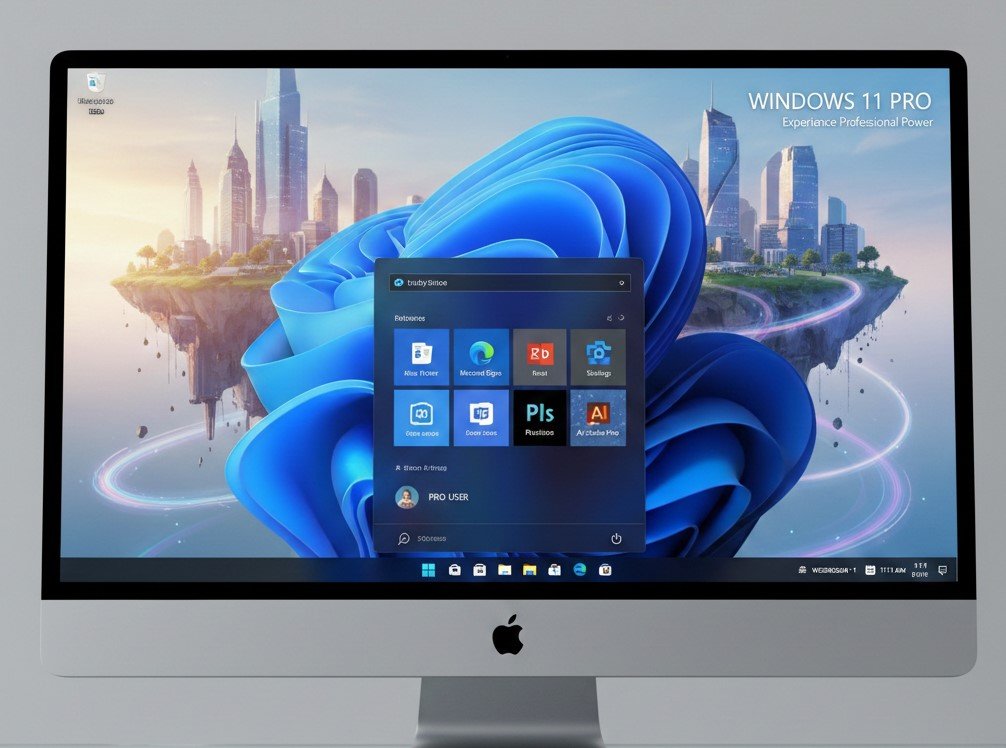
The user interface in Windows 11 Pro is clean, modern, and easy to personalize. Rounded corners, centered taskbar icons, and a redesigned start menu give the OS a polished, professional look. Users can switch between light and dark modes, customize desktops, and organize apps with Snap Layouts. Professionals benefit from multiple desktops that help manage different tasks or projects. Personalization extends to widgets, taskbar settings, notification options, and accessibility tools. These improvements make daily workflows feel more intuitive and organized.
Compatibility With Apps, Software, and External Devices
A major strength of Windows 11 Pro is its compatibility with a vast range of apps and devices. It supports traditional desktop software, cloud-based business applications, creative tools, and enterprise programs. Hardware compatibility includes printers, scanners, monitors, external drives, and more. Professional users rely on software like Adobe, Autodesk, Microsoft Office, and development tools—all fully supported by Windows 11 Pro. Its ability to run a variety of applications makes it ideal for businesses across all industries.
How Windows 11 Pro Benefits Professionals and Businesses
Professionals and business owners gain numerous advantages from Windows 11 Pro. Its enhanced security features reduce risks associated with cyberattacks. Remote access tools support hybrid and remote work models. Advanced management systems allow IT teams to control updates, policies, and user access. Improved performance ensures software runs smoothly, even during heavy use. Cloud integration supports real-time collaboration and secure backups. Altogether, these benefits help businesses increase productivity, strengthen security, and operate more efficiently.
Also Read This:- Amazon Drone Delivery Pause in Arizona: What It Means for Prime Air’s Future
Common Issues and Troubleshooting Tips
Like any operating system, Windows 11 Pro may encounter occasional issues such as driver conflicts, update problems, or app compatibility concerns. Most issues can be resolved through built-in troubleshooting tools, system updates, or reinstalling drivers. The OS includes diagnostic tools that scan for errors and optimize performance. Professionals can benefit from Event Viewer, System Restore, and Safe Mode, which help address deeper system issues. Regular updates and proper maintenance reduce most common problems.
Comparing Windows 11 Pro to Previous Windows Versions
Compared to earlier versions, Windows 11 Pro offers significant improvements in design, speed, and security. Windows 10 laid the foundation with performance-focused features, but Windows 11 Pro expands on them with a redesigned interface, smarter multitasking, enhanced virtualization, and stronger security measures. It also offers better cloud integration and a more modern layout. Users upgrading from older systems will notice smoother animations, faster startup, and more effective resource management. Overall, Windows 11 Pro represents a major step forward for business computing.
Future Updates and Expected Enhancements
Microsoft continues to improve Windows 11 Pro with frequent updates that enhance security, compatibility, and performance. Future enhancements may include expanded AI-driven tools, deeper cloud integration, better device management capabilities, and improved accessibility features. Microsoft is also exploring more efficient ways to manage remote teams, automate workflows, and integrate with emerging technologies. These updates will keep Windows 11 Pro at the forefront of modern business productivity.
Conclusion: Why Windows 11 Pro Stands Out for Power Users
In today’s fast-paced professional world, Windows 11 Pro stands out as a secure, powerful, and highly efficient operating system designed for business and advanced users. Its combination of performance, security, virtualization, and management tools makes it ideal for workplaces of all sizes. Whether you’re managing a company, working remotely, or developing software, Windows 11 Pro provides the stability and flexibility needed to excel. Its modern design, improved speed, and advanced protection make it one of the strongest operating systems available today.
Frequently Asked Questions About Windows 11 Pro
What makes Windows 11 Pro better than the Home edition?
Windows 11 Pro includes advanced features such as BitLocker, Remote Desktop, Hyper-V, and Group Policy.
Is Windows 11 Pro good for business use?
Yes, it is designed specifically for professionals, offering security, management tools, and productivity features.
Do I need special hardware to run Windows 11 Pro?
Your device must support TPM 2.0, Secure Boot, and modern processors for full compatibility.
Can Windows 11 Pro run older applications?
Most traditional Windows software is fully compatible with Windows 11 Pro.
Is Windows 11 Pro more secure than previous versions?
Absolutely—its security is strengthened with encryption, hardware protection, and real-time threat monitoring.
Does Windows 11 Pro support virtual machines?
Yes, it includes Hyper-V for professional-grade virtualization.
Is it good for remote work?
Yes, features like Remote Desktop and cloud integration make it excellent for remote teams.
Can I customize the Windows 11 Pro interface?
You can personalize layouts, themes, widgets, desktops, and taskbar options.
Is Windows 11 Pro worth upgrading to?
For business users and professionals, the enhanced security and performance make it a strong upgrade.
Does Windows 11 Pro receive frequent updates?
Yes, Microsoft provides regular updates to improve functionality, stability, and security.
For More Updates And Stories Visit To: Dooper Magazine





 Celebrity10 months ago
 Celebrity10 months ago
 Celebrity10 months ago
 Celebrity9 months ago